From a sentence to an image: what’s really happening
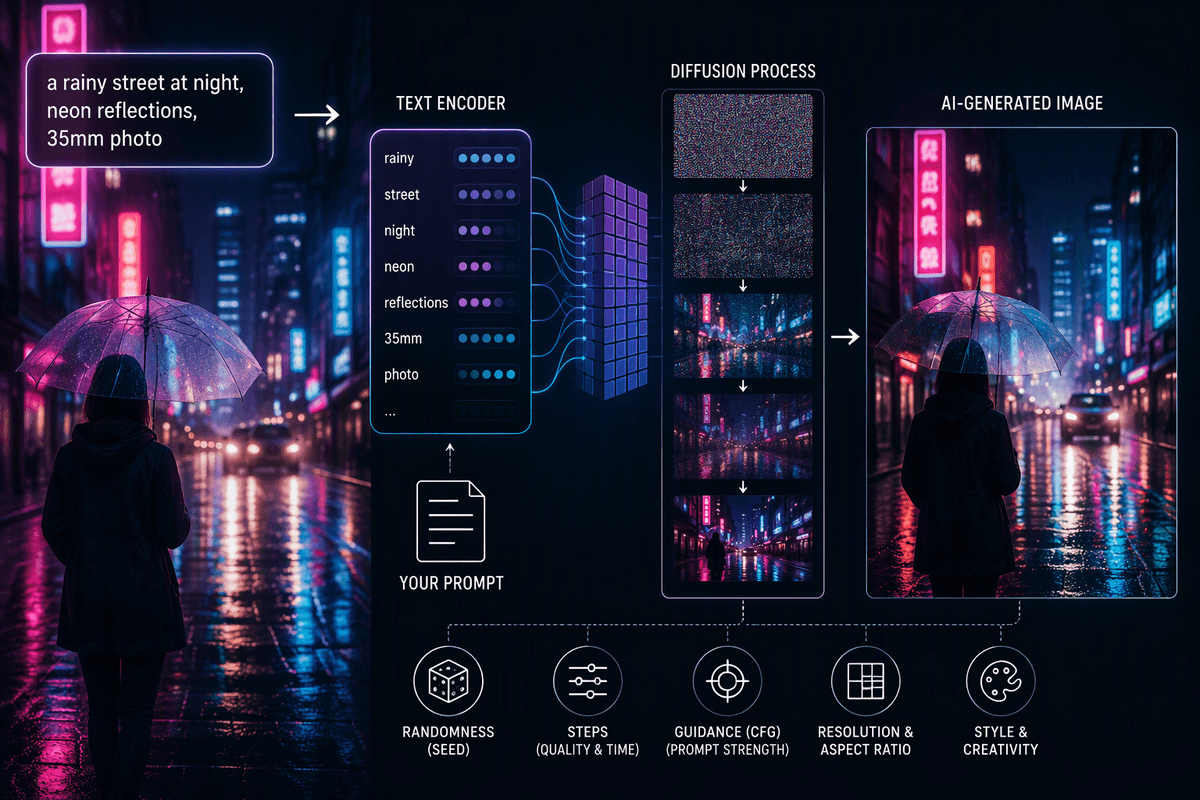
You type “a rainy street at night, neon reflections, 35mm photo,” and an image appears that seems to match the vibe. What’s actually happening is closer to translation than imagination: the system turns your words into a compact set of signals about objects, style, and relationships, then uses those signals to steer an image-building process.
Most tools split the job in two. A text encoder interprets the prompt into numbers; a generator turns those numbers into pixels (often by refining noise into structure). Because the generator is guided rather than instructed line-by-line, small wording changes can shift results, and the model can inherit gaps or biases from its training data. It also costs time and compute, which is why settings and speed trade off against detail.
Why models need “training” before they can imagine
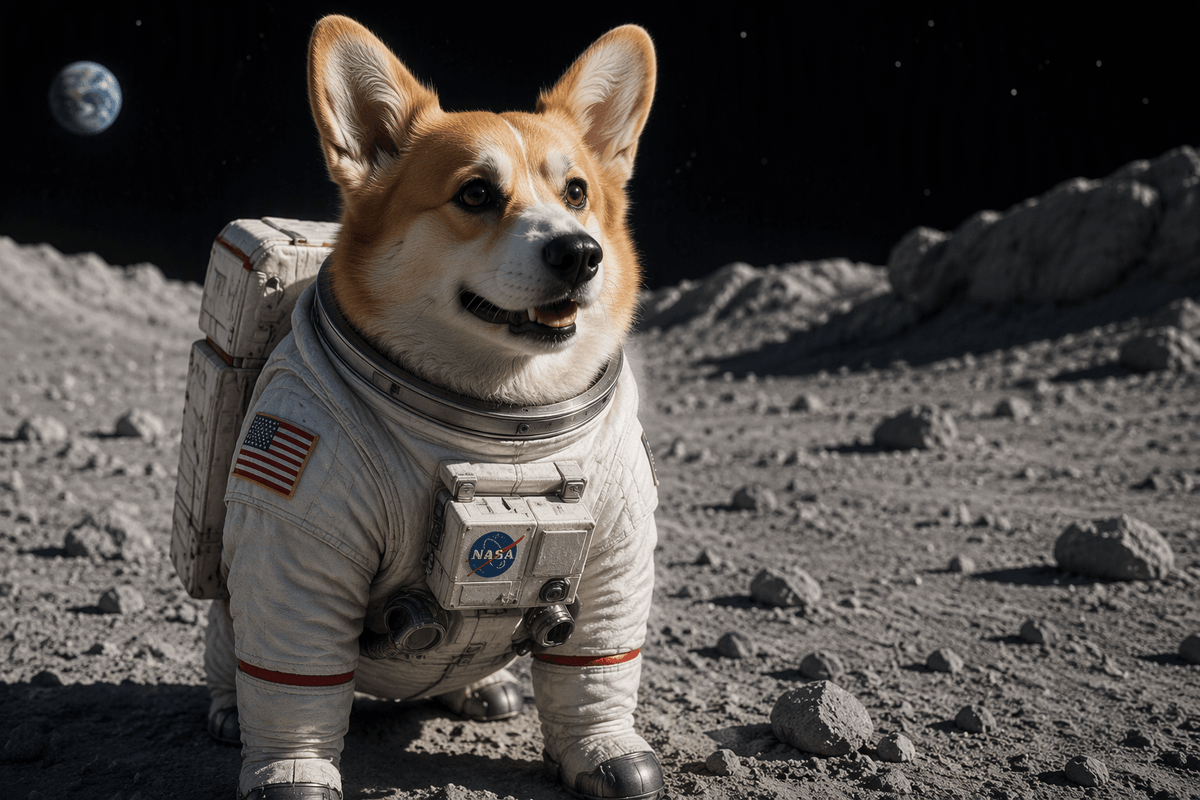
You’ve probably noticed the model can draw “a corgi in a spacesuit” even if no one uploaded that exact picture. That’s because training isn’t memorizing prompts; it’s learning patterns that repeat across millions of images and captions: what “spacesuit” tends to look like, how “in” or “wearing” changes placement, what lighting cues imply “night,” and what materials make something read as “metal” versus “fabric.” Over time, the system builds internal associations between word-like concepts and visual structure.
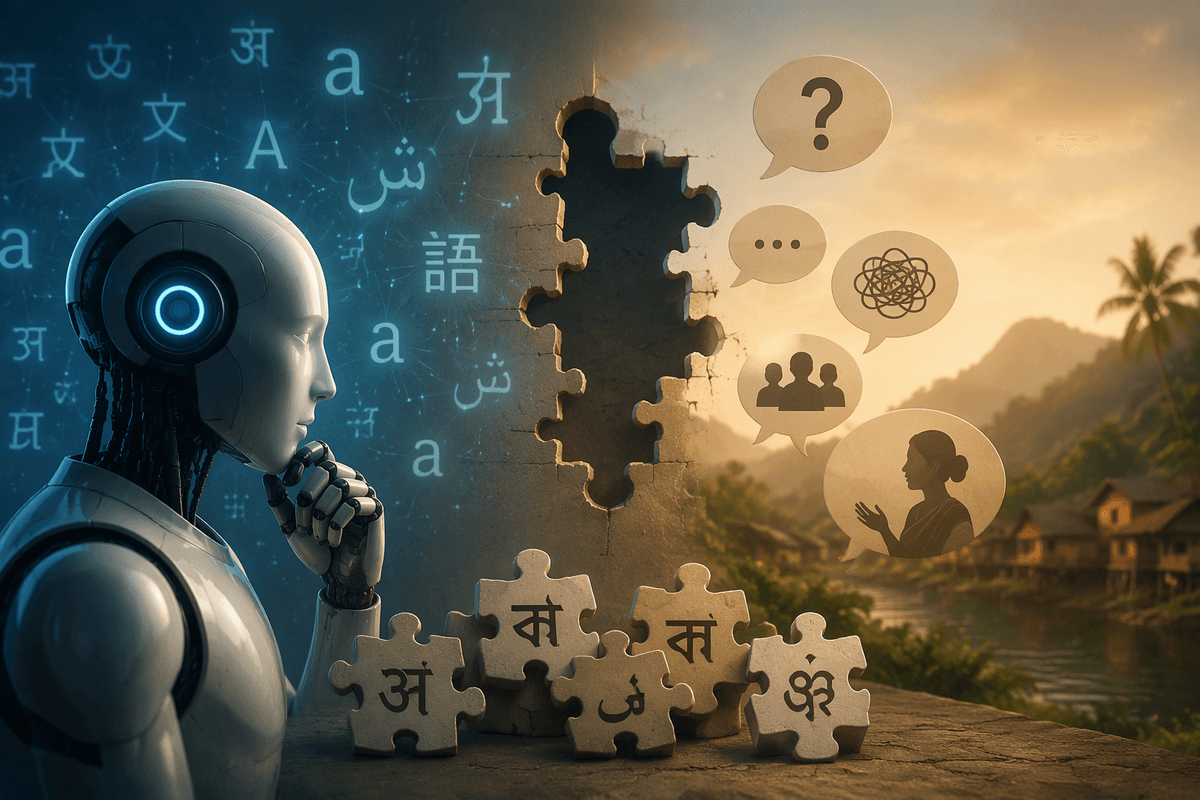
Training is also where the model’s boundaries get set. If certain subjects, cultures, or camera styles are rare or mislabeled in the data, the model will generalize poorly or lean on stereotypes. And training is expensive: it can take huge datasets, specialized hardware, and long runs, which is why most people use pre-trained models and only fine-tune them in narrower, cheaper ways.
How text becomes numbers the model can use
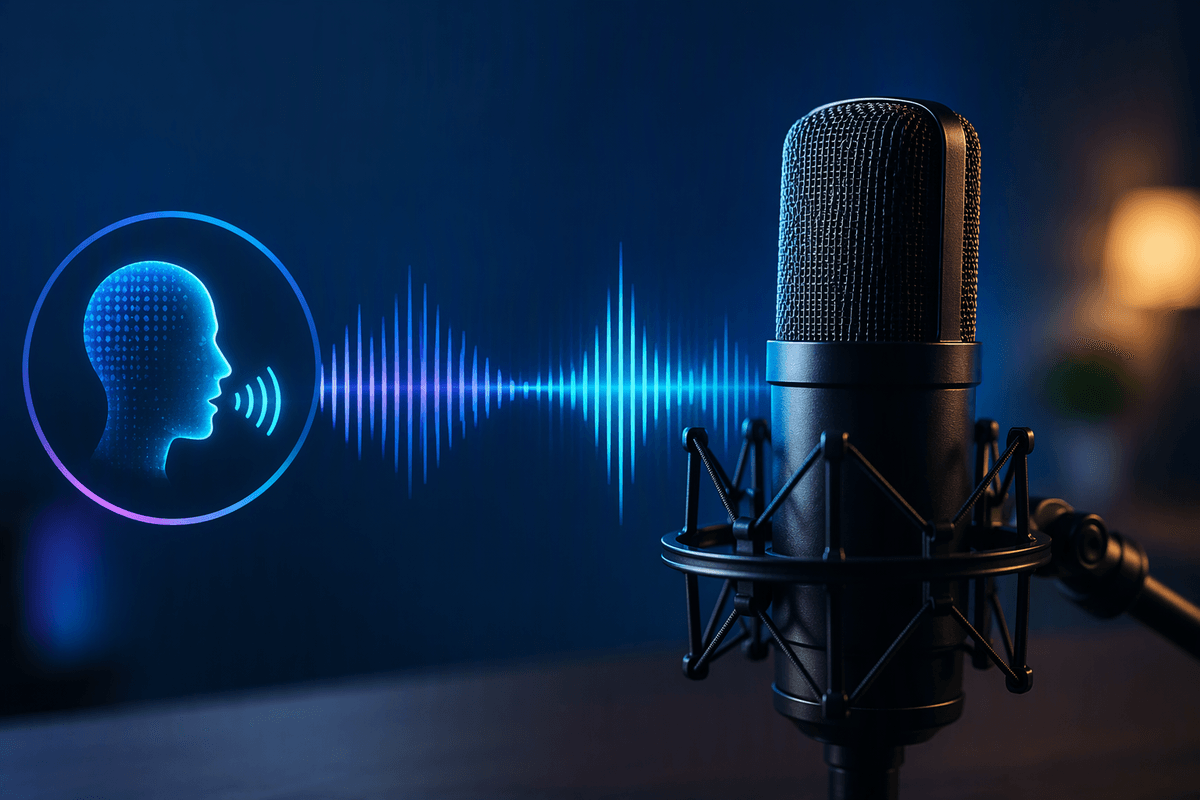
When you type a prompt, the model doesn’t “read” it the way you do. It breaks the text into smaller chunks called tokens—often pieces of words—and looks each one up as a vector: a long list of numbers that captures meaning by context, not by dictionary definition. “Neon,” “rainy,” and “35mm” end up near other tokens that tend to appear with similar visual patterns in the training data.
The text encoder then mixes those token vectors together, using attention to decide which words should influence which others. “Neon reflections” becomes more than two separate ideas; the encoder learns that the reflection is caused by the neon, and that both matter to the “rainy street at night” setting. The output is a compact numeric summary—often per token, not just one blob—that the image generator can consult as it builds the picture.
The tokenization can mangle unusual names, multiple clauses, or long prompts. And because the numbers are learned from data, vague wording can produce generic vectors that steer toward bland, default-looking images.
Diffusion models: noise in, picture out
You’ve probably seen a generation start as static and slowly “resolve” into a scene. That’s not just a visual effect; it matches how diffusion models work. They begin with a field of random noise—either in pixel space or, more commonly, in a compressed latent space—and then run a denoising network over many small steps. At each step, the network predicts what part of the current mess looks like “noise” versus “signal,” subtracts the noise, and leaves behind a slightly clearer arrangement of shapes, edges, and textures.
Your prompt’s numeric representation acts like a set of constraints the denoiser can consult while it cleans things up. If the prompt implies “rainy street,” the model nudges the emerging structure toward wet surfaces, reflections, and nighttime lighting patterns it learned during training. A guidance setting can push harder on matching the prompt, but strong guidance can also exaggerate features or reduce variety.
More steps usually mean finer detail and fewer glitches, but they take longer. Faster runs can look good at a glance yet miss subtle relationships—like correct object counts or realistic shadows.
Why outputs vary: randomness, seeds, and settings
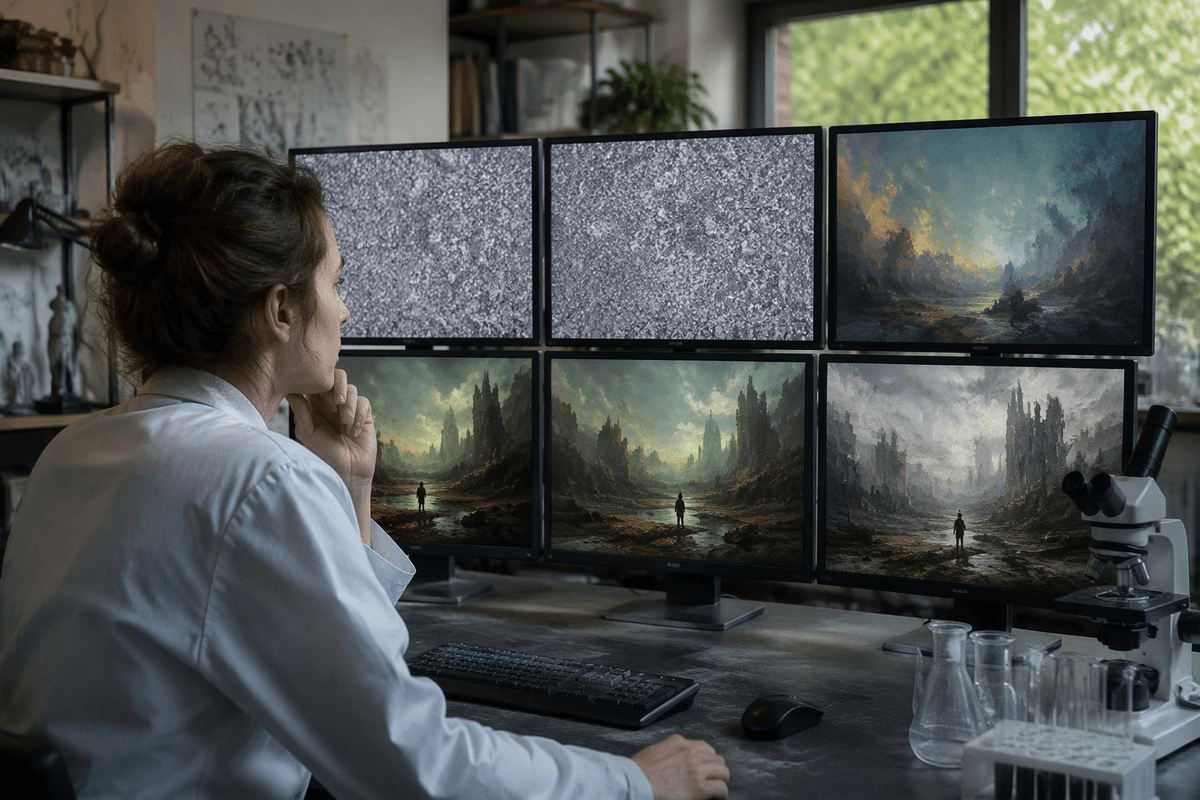
The same prompt may produce different images on separate runs because diffusion models typically begin with random noise. The denoising process transforms that noise into an image, and different starting points can lead to different results that all fit the prompt. A seed controls this randomness: reusing the same seed generally makes the starting noise repeatable, although changes in model version, sampler, or resolution may still alter the output.
Other settings determine how closely the image follows the prompt and how much time generation takes. More sampling steps may improve fine details but increase processing time. Guidance, often called CFG, controls how strongly the model follows the text. Lower guidance may produce more generic results, while excessive guidance can introduce harsh contrast, unusual textures, or overly literal interpretations. Resolution, aspect ratio, and stylization settings also influence the final image. Variation is therefore a normal feature of image generation, reflecting different balances between prompt control, generation speed, and creative diversity.
Where it breaks: hands, text, and weird artifacts
You’ve likely seen it: a portrait with seven fingers, a logo that turns into unreadable squiggles, or a background that melts into repeating patterns. These failures aren’t random; they’re places where the model’s learned visual shortcuts don’t reliably match the rigid rules humans expect. Hands are hard because they’re small, highly articulated, often partially occluded, and appear in many poses. The model can produce “hand-like texture” without consistently tracking the correct joint structure or finger count, especially at lower resolution or fewer steps.
Text breaks for a similar reason. Most diffusion models learn letters as shapes and styles, not as discrete, editable symbols arranged by spelling rules. Unless a system is explicitly designed to render typography, it tends to drift into plausible-looking but incorrect characters. Artifacts like double pupils, warped jewelry, or echoing window frames often come from the denoising process “overcommitting” to a pattern and then reinforcing it across steps—something stronger guidance can worsen even as it improves prompt match.
Using the science to write better prompts
Effective image prompts rely more on clear visual instructions than poetic language. Because the text encoder translates words into signals that guide generation, concrete objects and their relationships tend to work better than vague descriptions. “Two hands holding a ceramic mug,” for example, gives the model more useful information than “cozy hands.” Place essential details near the beginning, keep descriptions concise, and be careful with obscure names that may be tokenized unpredictably. When the composition is right but the mood is wrong, refine the style terms. If objects appear in the wrong positions, specify spatial relationships such as “left,” “center,” or “three-quarter view.”
Generation settings also shape the result. Keep the seed fixed while refining a prompt so changes in the wording are easier to evaluate. More sampling steps or higher resolution may improve anatomy and small details, but they also increase processing time and cost. Guidance controls how closely the image follows the prompt; raise it when important details are missing, then lower it if textures become harsh or patterns start repeating. Text and logos remain difficult for many image models, so generating the image without lettering and adding typography afterward is often the more reliable workflow.