Why noisy speech is still worth saving
You’ve probably shelved an interview because the room was loud, the mic was distant, or the phone line smeared consonants into mush. That instinct is understandable, but it can be expensive: rescheduling can be impossible, quotes can’t be re-captured, and the “only record” often contains details you didn’t realize mattered until later.
Noisy speech is still worth attempting to salvage because most real-world recordings fail in predictable ways. Background noise tends to be steady, voices occupy a narrower band, and key words repeat across sentences. Modern restoration can often improve intelligibility enough for accurate transcription, careful editing, or limited on-air use. The catch is that every fix trades one problem for another—cleaner audio may introduce warble, dullness, or subtle word-like artifacts—so the value comes from targeted recovery, not perfection.
What AI restoration can and can’t recover

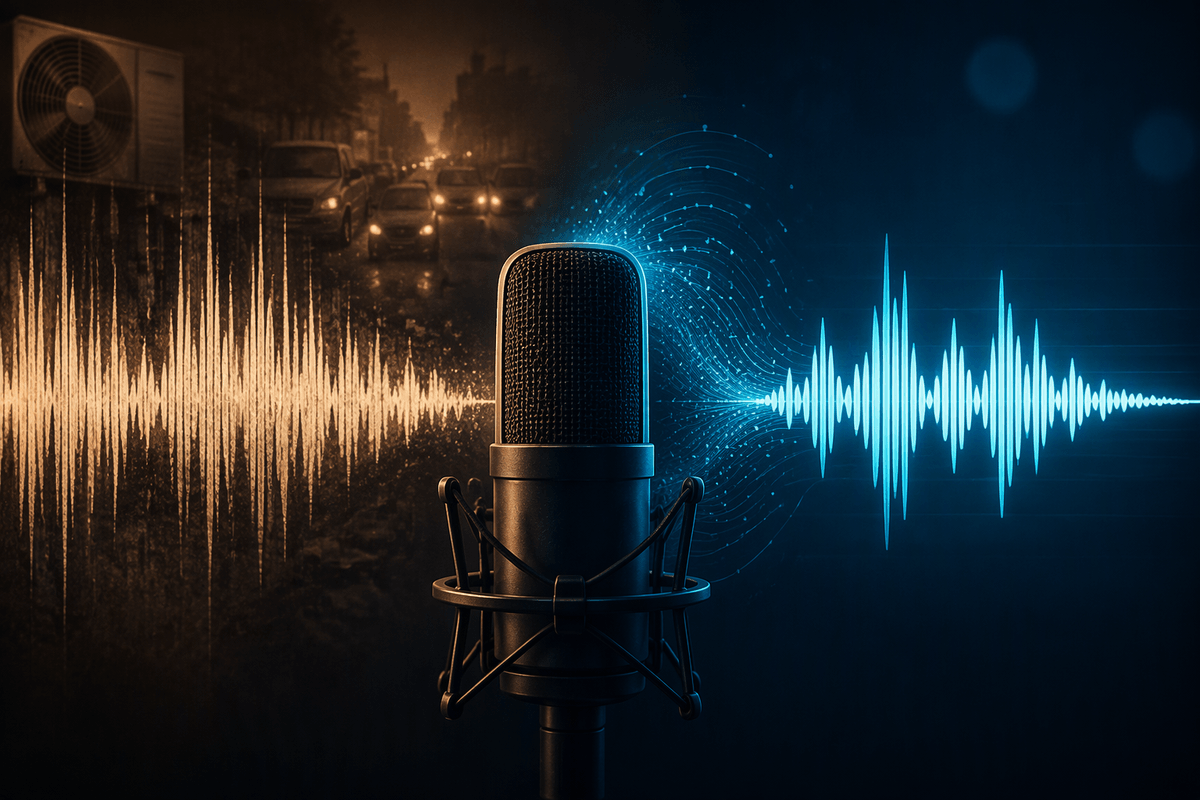
Picture a recording where you can “kind of” follow the speaker but the hiss, hum, or air conditioner sits on top of every sentence. That’s where today’s tools shine. They’re good at reducing steady noise, taming broadband hiss, and pulling speech forward when the voice is consistently present. They can also smooth clipping and soften harshness, but only within limits—once the waveform is flattened, detail is gone.
Where restoration struggles is when information never made it into the file: a mic that was too far away, heavy compression from a phone call, or words masked by sudden sounds. AI can sometimes guess what a syllable should be, and that’s the risk. Over-aggressive “enhance speech” can create a clean, confident-sounding phrase that isn’t actually there. You still need to A/B against the original, verify uncertain words, and accept that overlap, echo, and wind may only improve modestly.
Start with the recording: quick triage checklist
You open the file and the first decision isn’t “which AI,” it’s “is the voice actually in here.” Solo the problem: listen on headphones, then on small speakers, and note whether you can track at least 70–80% of the words without guessing. If you can, restoration usually has something to work with; if you can’t, you may be looking at a rebuild (subtitles, paraphrase, or re-record) rather than a clean-up.
Check three quick flags before touching any tool. First, clipping: if peaks are squared off for long stretches, you can reduce harshness but won’t recover lost consonants. Second, masking events: count how often traffic hits, doors slam, or music covers entire words; those gaps can’t be “denoised” back into facts. Third, room sound: heavy echo makes speech enhancement brittle and can produce a watery “robot” sheen. If any of these dominate, plan extra verification time and keep the original close for A/B checks.
Picking the right tool for your constraints
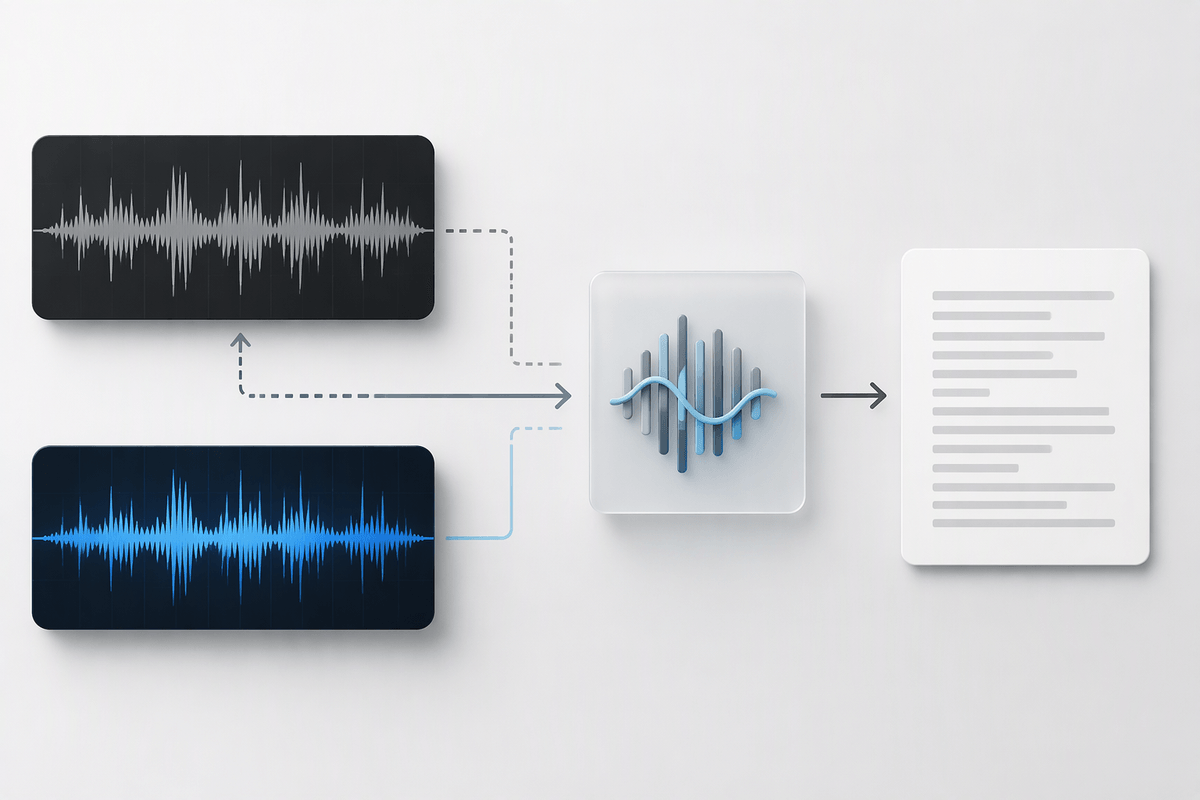
The right tool depends on whether the cleaned audio will be published or used to produce an accurate transcript. For an interview that is difficult to understand but still contains recoverable speech, start with conservative noise reduction and gentle EQ in an editor that allows immediate playback. Preserving natural speech patterns matters more than removing every trace of background noise, since aggressive processing can introduce watery artifacts or make voices sound unnatural. When transcription is the priority, speech-enhancement tools may improve intelligibility, but the original recording should remain the reference for checking unclear words.
Quick, one-click enhancement is useful for an initial assessment, especially when time is limited, but automated processing may distort names, numbers, or the quiet ends of words. High-stakes quotations deserve closer attention, so choose tools that support continuous A/B comparison, adjustable processing strength, and intermediate exports that allow you to revert changes. Cost and privacy also influence the choice. Cloud subscriptions may speed up routine work, but uploading sensitive interviews raises questions about consent, data handling, and workplace policies. In restricted environments, local processing may be necessary even when it requires more setup.
A practical workflow that avoids “robot voice”
You run into “robot voice” when you ask one process to do everything: denoise, dereverb, de-clip, and “enhance speech” in one pass. A steadier workflow is to do the least invasive fixes first, and only add heavier processing where you can prove it helps. Start by duplicating the track and saving the raw file untouched. Then high-pass gently to clear rumble, notch obvious hum if it’s present, and apply conservative broadband denoise—enough to lower the floor, not enough to erase breath and room tone. If you need more clarity, use a light de-esser and a small presence lift rather than cranking an enhancer.
When the voice is still buried, split the job: one version optimized for intelligibility (stronger denoise or a speech model), another optimized for naturalness (lighter settings). Edit with both, borrowing phrases from the “intelligible” version only when the words are the same in the raw audio. This A/B approach adds steps, but it’s the simplest way to prevent warble and to catch invented consonants before they become a quote.
Hard cases: wind, traffic, overlap, and echo
Constant background hiss is relatively straightforward to reduce. Wind bursts that overload a microphone, passing traffic that masks speech, overlapping voices, and strong room echo are much harder to repair because they obscure or distort the speech itself. Even advanced AI tools may improve clarity without fully restoring the missing information.
Wind and traffic often mask specific words rather than adding noise evenly. If a gust or engine completely covers a vowel, preserving a cleaner pause is more reliable than trying to reconstruct the word. Start by reducing low-frequency rumble, then apply noise reduction selectively to the affected sections. Aggressive broadband processing may remove useful speech detail and introduce watery artifacts. Overlapping voices present a similar challenge: separation tools may make individual speakers easier to follow, but they can also thin out voices or shift timing. Check the original recording before quoting anything uncertain.
Room echo usually requires more careful adjustment. Dereverberation tends to work better when the speaker is relatively close to the microphone and the room acoustics remain consistent. In highly reflective spaces, stronger processing may create robotic or hollow-sounding voices. Keep the effect moderate and retain some natural room tone rather than removing so much ambience that the speech sounds artificial.
Privacy, consent, and “did you change the meaning?”
You clean a clip, it sounds clearer, and suddenly it feels publishable—but that’s also when privacy and consent get real. If you’re using cloud tools, treat the upload like sharing the raw interview: confirm what’s stored, for how long, and who can access it. For sensitive sources, keep processing local, or anonymize before exporting anything.
The harder question is editorial: did restoration change the meaning? Speech enhancement can smooth uncertainty into confidence, especially on names and numbers. For quotes, verify against the original, flag any word you can’t independently confirm, and keep an untouched copy for audit. If you substantially reconstructed phrases, label it as reenacted, summarized, or transcribed with uncertainty rather than “cleaned.”