Why NVIDIA GPUs suddenly matter for most teams
A familiar pattern shows up fast: a model that trains overnight on a single workstation CPU becomes a week-long job as soon as you scale data, parameters, or experiments. GPUs change that timeline, which changes what a team can realistically ship. NVIDIA GPUs matter in practice because most mainstream deep learning software is optimized first for CUDA, and the “fast path” for new model types, kernels, and tooling tends to appear there earliest. That advantage comes with constraints: budget shocks, cloud quota limits, and supply volatility can turn a promising roadmap into a procurement problem, so performance alone can’t be the deciding factor.
From prototypes to products: the GPU-driven shift
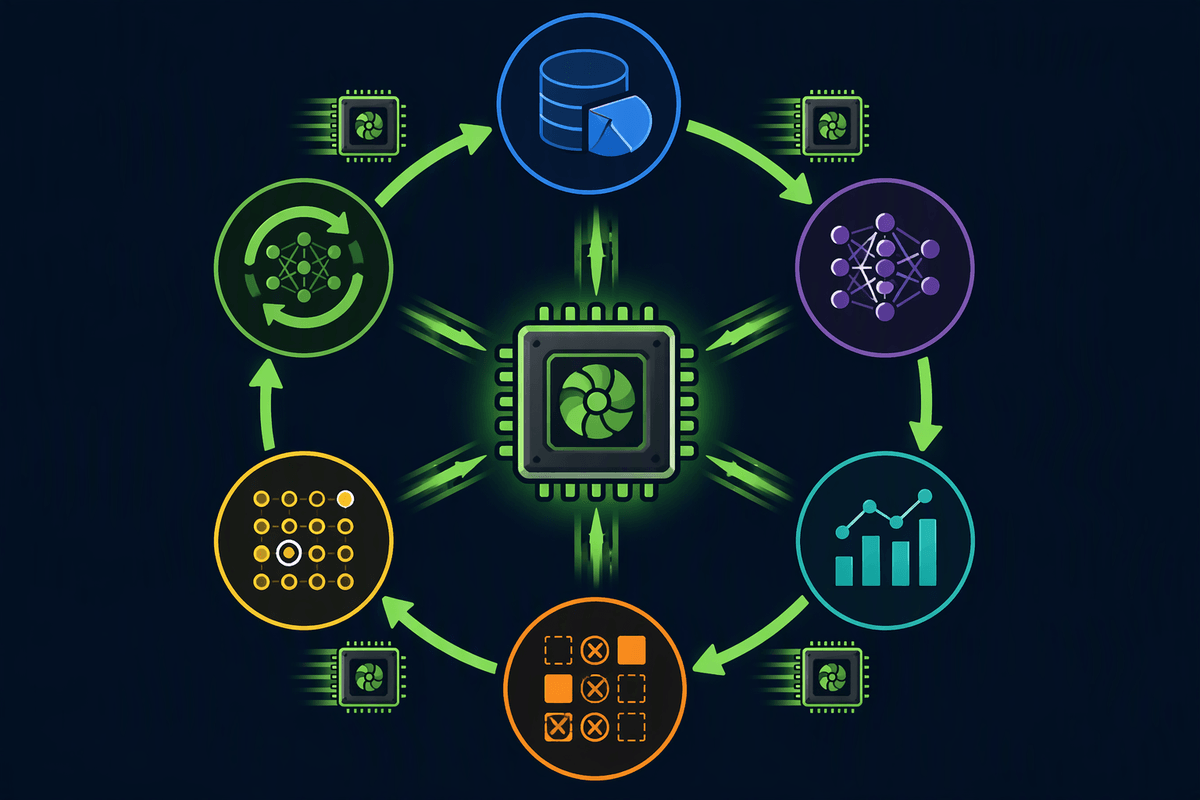
A prototype usually starts as “good enough” latency on a shared GPU, a small dataset slice, and a training run you can restart if it fails. The moment it becomes a product, those shortcuts break: you need repeatable pipelines, predictable runtimes, and the ability to run many experiments without blocking everyone else. GPUs are what make that operational shift feasible. Faster training doesn’t just mean lower wall-clock time; it changes iteration cadence, how quickly you can detect data issues, and whether you can afford ablation tests, hyperparameter sweeps, and regular retraining.
The product work turns GPU time into a line item and a dependency. Teams run into queueing, per-project quotas, and “one more model variant” becoming an unplanned spend. On-prem can stabilize access, but adds lead times, maintenance, and capacity planning risk. The practical shift is treating GPUs like critical infrastructure, not a dev convenience.
CUDA, cuDNN, and the ecosystem gravity problem
You can feel NVIDIA’s advantage most clearly when you try to “just move” a training job to different hardware and the surrounding software stops cooperating. CUDA is the programming layer most deep learning frameworks target for GPU kernels, and cuDNN is the library that provides highly tuned building blocks for things like convolutions and attention. When a new model architecture lands, the best-performing implementations and profiling tools often arrive first in this stack, so teams get speed and stability without writing custom kernels.
The gravity problem is that performance becomes an ecosystem property, not a chip property. PyTorch and TensorFlow features, third-party extensions, container images, monitoring agents, and even bug fixes tend to assume CUDA compatibility. That makes switching costs real: revalidating accuracy, reworking operators, and retraining staff time can outweigh raw hardware savings. It also creates a planning constraint: “portable later” needs deliberate choices now, like minimizing custom CUDA-only ops and keeping a CPU fallback path for critical workflows.
Picking GPUs: memory, interconnect, and precision
The first GPU decision that bites teams is usually memory, not “top-line FLOPS.” If the model, activations, optimizer state, and batch don’t fit, you end up shrinking batch size, adding gradient checkpointing, or moving to sharding techniques that complicate debugging. For many training setups, a smaller number of higher-memory GPUs is easier to operate than more low-memory cards that constantly push you into memory gymnastics.
Interconnect is the second hidden lever. Multi-GPU training is sensitive to how fast GPUs can exchange gradients and parameters. PCIe can be fine for modest scale, but dense systems with NVLink (and a topology that matches your parallelism strategy) often deliver more predictable scaling. NVLink-class boxes are typically pricier, harder to source, and may be limited by cloud quotas.
Precision is where “faster” becomes “different.” FP16 or bfloat16 is now standard for training, FP8 can be attractive on newer hardware, and inference may prefer INT8. Each step down needs validation work, because accuracy, stability, and kernel support vary across models and frameworks.
Training workflows now assume multi-GPU scale
You see the shift when a “single big training run” turns into a steady stream of runs: baseline, fine-tune, rerun with new data, evaluate, repeat. At that point, most modern workflows quietly assume you can spread training across multiple GPUs, even if the model would technically fit on one. Data parallel training is the default, but larger models also rely on tensor, pipeline, or fully sharded approaches to make memory and throughput workable. In practice, teams adopt mixed precision, gradient accumulation, and checkpointing not as optimizations, but as normal operating settings.
Multi-GPU training fails in new ways: a single flaky node can waste hours, networking bottlenecks can erase scaling gains, and reproducibility gets harder when runs depend on cluster topology. The tooling and defaults often target NVIDIA-heavy environments, so your “training plan” increasingly includes interconnect assumptions, scheduler behavior, and how quickly you can recover from interrupted jobs.
Deployment realities: inference, batching, and quotas

A deployment problem usually shows up as “the demo is fast, production is expensive.” Inference doesn’t look like training: you’re dominated by tokens-per-second, tail latency, and concurrency, not just raw throughput. Teams often discover that the cheapest stable setup is not “one request per GPU,” but careful batching and streaming so the GPU stays busy without blowing past latency budgets. That pushes you toward specific runtime choices and kernel paths that are best supported on NVIDIA first, which can make portability harder later even if the model itself is framework-standard.
Quotas and contention become product constraints, not cloud admin trivia. A new feature launch can coincide with reduced GPU availability, per-region capacity limits, or an internal platform team tightening limits to protect other services. Even on-prem, you end up with “inference reserved” versus “training best-effort” partitions, plus admission control so one noisy customer doesn’t consume all VRAM. Practical fixes exist—rate limits, request shaping, cache layers, smaller distilled models—but each adds engineering time and sometimes forces product trade-offs you didn’t plan for.
Costs, supply, and risk: planning beyond benchmarks
A common failure mode is buying or reserving GPUs based on benchmark charts, then discovering the real bottleneck is spend volatility and access. Cloud pricing swings with commitment terms and spot availability, and the “right” instance family may be quota-limited in the region where your data and users live. On-prem avoids per-hour sticker shock, but adds lead times, warranty cycles, power and cooling constraints, and the risk of owning capacity you can’t fully utilize.
Risk planning is mostly about reducing single points of failure. Keep a slower fallback path (smaller model, CPU, or alternate GPU type) for critical features, design training jobs to resume cleanly, and budget time to validate portability before you need it under pressure.