Why voice payments are suddenly on the table
You’ve probably already used voice for searches, messages, and customer support, so the jump to “pay by voice” feels like a small step. What changed is that UPI made the payment rails fast and familiar, while phones and assistants got better at understanding everyday speech across Hindi and regional languages. At the same time, merchants want quicker checkouts and lower friction for repeat payments, especially when hands are busy or screens are hard to use.
Still, “possible” isn’t the same as “ready.” Voice adds a new layer that has to fit into UPI’s existing trust model: device binding, app approvals, PIN entry, limits, and logs. If voice can’t reliably capture intent and then hand off to a clear confirmation step, it becomes a convenience feature that quietly increases disputes, failed transactions, and fraud risk.
Which payment moments actually benefit from speech
Think about the moments you reach for UPI when your hands or eyes are already occupied: riding a scooter as a pillion, carrying cartons in a kirana, cooking, or managing a queue at the counter. Voice helps most when it replaces typing, not when it tries to replace verification. Saying “pay 120 to Rahul” is faster than searching a contact, but it only stays safe if the app still forces a deliberate confirm step on the bound device (tap + UPI PIN, or an equivalent second factor).
That makes voice best for low-value, high-frequency actions: sending money to saved payees, checking a bill amount, repeating a recent payment, or generating a collect request for a known customer. It’s weaker for first-time transfers, high amounts, or anything where the payee identity is ambiguous. Even in the best cases, you’re trading speed for new failure modes: misheard names, wrong amounts, and accidental triggering in shared or noisy spaces.
The spoken transaction pipeline: where it breaks
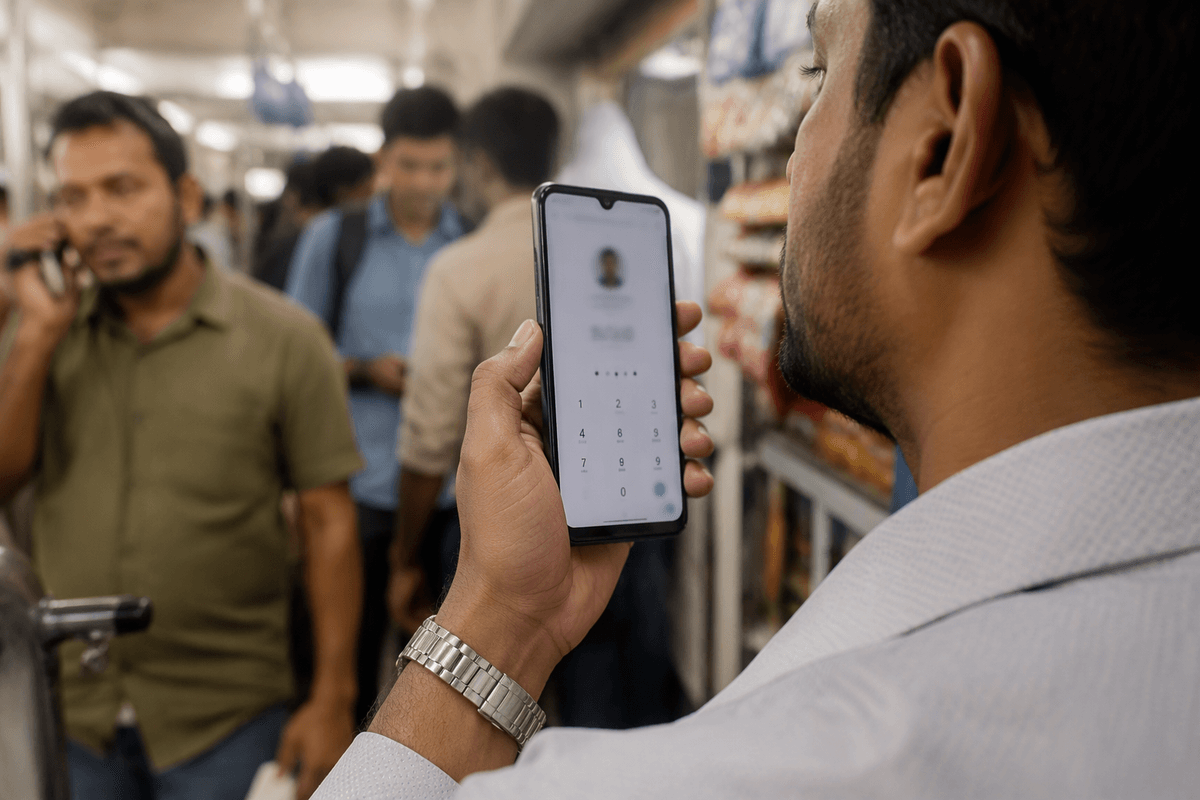
Imagine you say “Pay 120 to Rahul on UPI.” The system has to do four things quickly: wake up reliably, convert your speech to text, map “Rahul” to the right payee (contact, UPI ID, or recent), and then build a transaction that your UPI app can authorize on your bound phone. Breaks happen at each handoff. Wake words trigger accidentally in shops, trains, or at home. Speech recognition may hear “twelve hundred” or pick the wrong Rahul, especially with mixed Hindi-English or fast speech. Payee resolution is fragile when names are common, numbers are dictated, or the app’s contact list is messy. If the flow doesn’t force a clear on-screen review and UPI PIN (or equivalent), disputes rise; if it does, convenience drops, and users abandon mid-way.
Languages, accents, and noisy India: accuracy isn’t enough
You can see the problem in a typical kirana lane: fans running, a pressure cooker whistling, two customers talking, and you saying “pay teen sau” while your phone hears “teen hazaar.” Even when speech-to-text is “accurate” on a test set, India’s reality adds code-mixing (Hindi + English + local language), fast speech, and accents that change every 50 km. Names are worse than numbers: “Rahuul,” “Rahool,” and “Rahul bhai” can map to different contacts, and a single wrong match turns a convenience feature into a wrong-payment problem.
That’s why the safe design pattern can’t depend on recognition alone. The app needs a forced review step that shows payee + UPI ID + amount in big, readable text (and ideally speaks it back), then requires UPI PIN on the bound device. In very noisy environments, voice becomes a good “drafting” tool, but not a reliable “finalizing” tool, and you should expect more retries and drop-offs than a normal scan-and-pay.
Consent and authentication: proving it was the user
Voice commands create a privacy and security challenge because people nearby may hear or trigger them. In a small shop, a phone may be shared by family members or staff, and background audio from a television or a customer’s shout may activate the assistant. Hearing a command does not necessarily mean the account holder authorized it. Payment approval must therefore rely on safeguards the system already trusts, such as a registered device, an authenticated app session, and a deliberate confirmation step.
A safer approach is to use voice to prepare a payment, then require explicit confirmation before sending it. The confirmation screen should display the payee’s name, full UPI ID, and amount, followed by authentication through a UPI PIN or supported device biometric. Allowing voice alone to replace this second step makes it harder to establish who approved a transfer when a dispute arises. Additional checks do introduce friction, including extra taps, longer payment times, and abandoned transactions, particularly on older phones or unreliable connections. For users and small merchants, however, that pause helps distinguish an accidental command from an authorization that can be verified and audited.
Fraud, deepfakes, and social engineering via voice
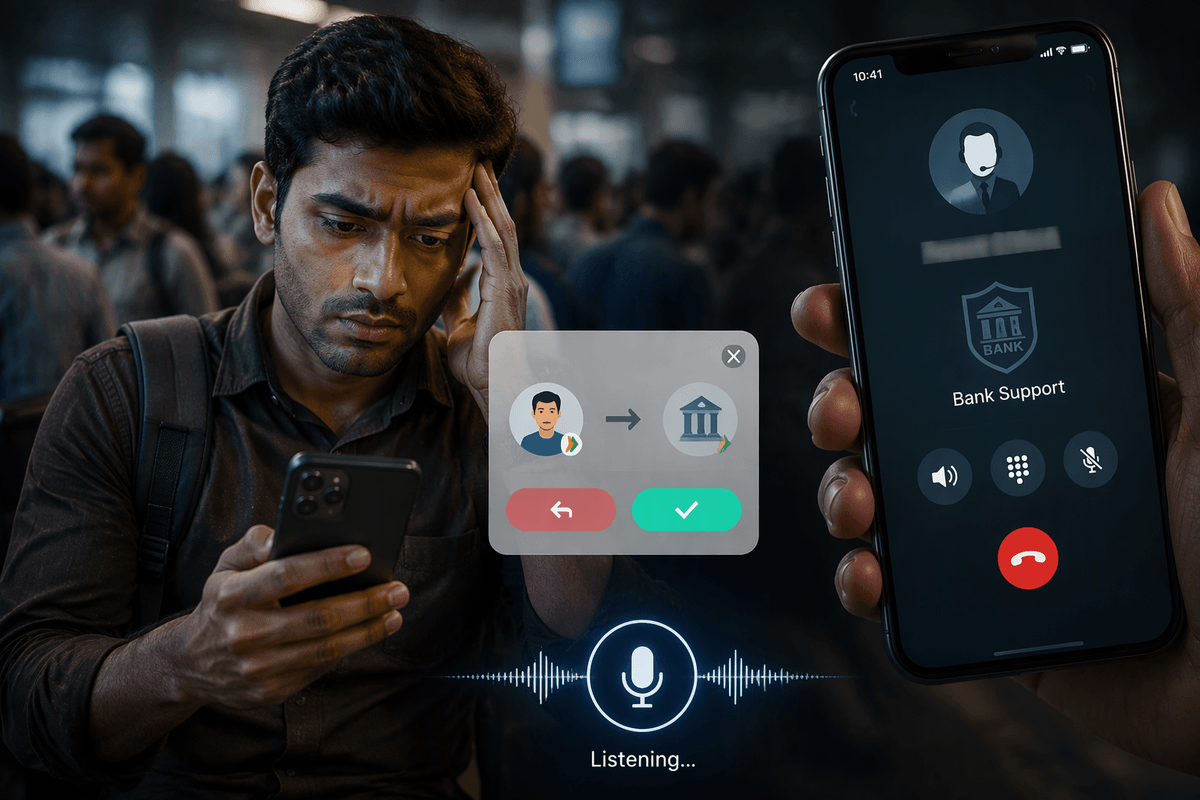
The bigger risk with voice payments isn’t a hacker “breaking” UPI; it’s someone steering you through a flow you half-understand while you’re distracted. A caller claiming to be from your bank, wallet, or “UPI support” can push you to try voice commands, ask you to “test” a payment, or trick you into approving a collect request because the assistant read out a believable name. In shops, an attacker can also exploit shared phones: a staff member can draft a payment by voice and then pressure the owner to enter the UPI PIN quickly without reading the payee details.
Deepfake voice makes this more scalable. If a fraudster can imitate a family member or a regular supplier, the “say yes to confirm” step becomes a weak point, especially on IVR-style systems that rely on spoken consent. The strong checks reduce the magic: you need on-screen display of full UPI ID, explicit confirmation, a UPI PIN or biometric on the bound device, tight per-transaction limits, and a clear audit trail. If any product asks you to authorize money movement using only your voice, treat it as unsafe by default.
Design and rollout patterns that survive the real world
Picture a busy counter where you want speed but can’t afford even one wrong transfer. The rollout pattern that survives is “voice drafts, screen confirms”: voice fills payee and amount, then the app forces a big, unskippable review (full UPI ID, amount, purpose) and executes only after UPI PIN or device biometric on the bound phone. Add small guardrails that reduce damage when speech misfires: low default limits for voice-initiated payments, higher limits only after repeated success, and extra friction for new payees.
For merchants, keep voice optional and reversible. Train staff to treat any voice step as a pre-fill, not approval; the owner should read the payee line every time before entering the PIN. Good systems also leave clean evidence: time stamps, device ID, the recognized text, the final confirmed details, and simple dispute paths—because the real cost of voice isn’t recognition, it’s cleaning up the edge cases.