AI is everywhere—what changes for you?
You’re seeing AI show up in email tools, customer support, accounting, sales outreach, and even job candidates’ résumés. The practical change is not that “everything becomes automated” overnight, but that the baseline for speed and polish rises. Customers expect faster answers, employees expect better self-service, and competitors can test ideas with less time and fewer people.
What changes for you is the management job: deciding where AI should touch the business, what it should never touch, and what must be redesigned around it. The hard part is that the costs aren’t only software. They include cleanup of messy data, new review steps, training, and the risk of confident-sounding errors. Five questions will keep decisions grounded.
Which work should AI automate, and why?
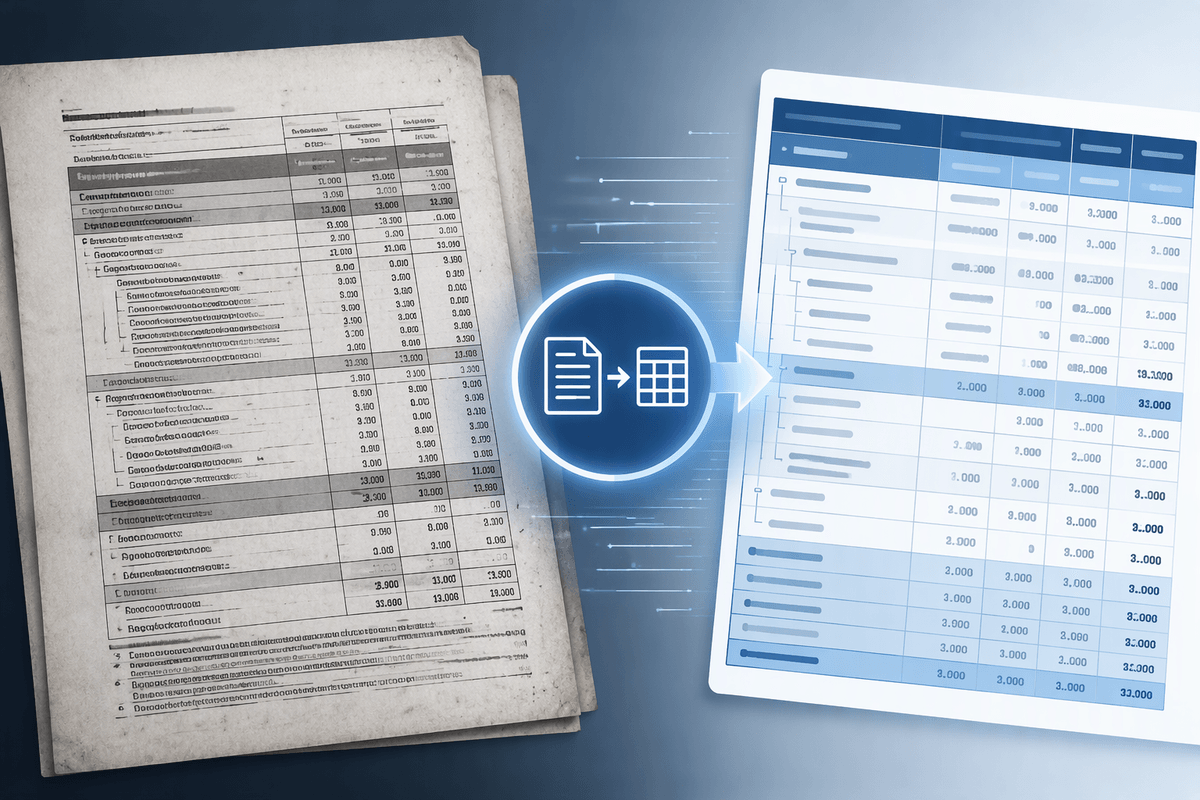
Most teams start in the same place: too many requests, too much copy-and-paste, and not enough time for judgment calls. AI earns its keep when it compresses “work about the work” rather than replacing the work itself. Look for tasks with clear inputs and a repeatable definition of “good enough”: drafting first-pass customer replies, summarizing long notes into a CRM update, extracting fields from invoices, routing tickets, or generating a weekly variance explanation from a standard template. These are high-volume, low-uniqueness activities where speed matters and the downside of a draft is manageable.
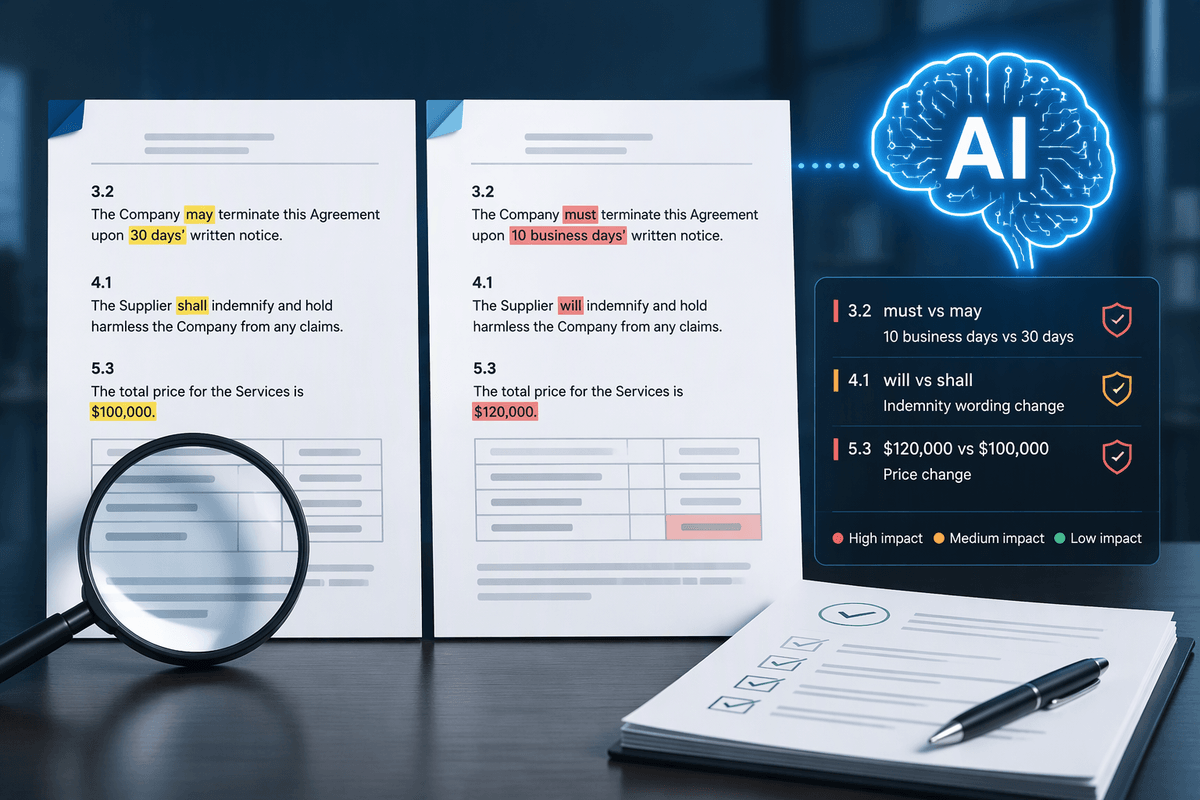
Be cautious with work where a small mistake is expensive or hard to detect: pricing approvals, contract terms, compliance decisions, medical or safety guidance, and anything that changes payments or legal exposure. A practical rule is “automate to a draft, not to a decision” unless you can measure quality, add review steps, and afford the extra controls. Those controls cost time, training, and process redesign, which is why picking the right slice of work matters.
Where will AI change your value proposition?

A common tension shows up quickly: if every competitor can draft decent copy, summarize meetings, and answer basic questions, those outputs stop being differentiators. Your value proposition shifts toward what AI can’t easily replicate from public information—your proprietary data, your process reliability, your domain judgment, and your ability to deliver a consistent outcome. In practice, that can mean moving from “we respond fast” to “we resolve correctly the first time,” or from “we build reports” to “we help you decide what to do next.”
Look for places where customers pay for certainty, not effort: fewer errors in orders and invoicing, tighter handoffs between sales and delivery, and clearer status visibility without extra meetings. AI can raise expectations, but only if the surrounding workflow is redesigned—who reviews what, how exceptions are handled, and how quality is measured. That redesign costs time and attention, and it often exposes uncomfortable gaps in ownership and metrics.
What data do you actually need to compete?
You probably already have “a lot of data,” but most of it is not usable for AI in the way you expect. The question is not volume; it’s whether the data reflects your real process. If you want better customer support, you need clean histories of tickets, outcomes, reasons for contact, and what “resolved” actually meant. If you want better forecasting, you need consistent definitions for pipeline stages, close reasons, and product availability—not just revenue totals.
Start by mapping one high-value workflow end to end and listing the decisions people make inside it. Then ask what information they rely on, where it lives, and how often it’s wrong or missing. Expect gaps: notes in email, fields left blank in the CRM, exceptions handled in someone’s head. Fixing that costs time and coordination, and it can feel slower at first. The payoff is a smaller, sharper dataset that makes automation dependable, not just impressive.
How do you manage risk, trust, and compliance?

Picture an employee pasting a customer email into an AI tool to “clean it up,” or a rep asking an assistant to draft a contract clause. Those are normal behaviors, and they create real exposure: sensitive data leaving approved systems, answers that sound certain but are wrong, and decisions you can’t explain later. Risk management starts with defining boundaries in plain language: what data is allowed, what use cases require human approval, and what outcomes must be logged. Treat AI output as a suggestion unless it’s tied to a controlled workflow.
Trust improves when you make quality visible. Set a few measurable checks—error rate on extracted invoice fields, rework rate on support replies, time-to-resolution—and review them weekly during rollout. Add lightweight audit trails: which model was used, what inputs were provided, who approved the final action. Compliance is easier when you standardize vendors and access, but that has a cost: consolidating tools, setting permissions, training people, and occasionally saying no to a “quick” use case that can’t be controlled yet.
What talent and operating model will you need?
A recognizable pattern appears during early pilots: a few power users get results, everyone else waits for instructions, and the gains stall because no one “owns” the workflow end to end. You don’t need a large AI team to start, but you do need clear roles: a business process owner who can change steps and metrics, a data steward who can fix definitions and access, and someone technical enough to evaluate vendors, integration effort, and security settings.
Operationally, treat AI like a product, not a side project. Run a simple cadence: pick one workflow, define success measures, train a small group, monitor errors and rework, then expand scope. Make review and escalation explicit so employees know when to rely on the tool and when to stop. Expect real costs: time spent documenting processes, cleaning data, building prompts or templates, and coaching managers to measure quality, not just output volume.
Turning the five questions into next steps
The fastest way to move from discussion to action is to pick one workflow where time is lost every week and the outcome is easy to verify—support triage, invoice intake, meeting-to-CRM updates, or renewal prep. Use the five questions as a checklist: confirm the task is high-volume and reviewable, clarify what “better” means for customers, list the minimum data fields required, define boundaries and approvals, and assign an owner for process, data, and vendor controls.
Run a four-week pilot with 10–20 users, baseline today’s cycle time and rework, and set a stop rule if error rates rise. Treat the pilot as process change, not software installation; the main cost will be attention, training, and clean inputs.